
 English
  Nederlands
 Registration kiosk with VIPLive spoedEPD integration
Thanks to the integration between the registration kiosk and the spoedEPD from VIPLive from Topicus, patients can check in at the GP out-of-hours service in a safe and efficient manner. The system provides reliable identification, an additional urgency check and correct registration.
How does it work?
Safe patient check-in with identity and urgency verificationUpon arrival at the GP out-of-hours service, patients check in at the registration kiosk. This can be done by entering their date of birth and postcode, or the GP out-of-hours service may choose to make scanning an identity document mandatory.
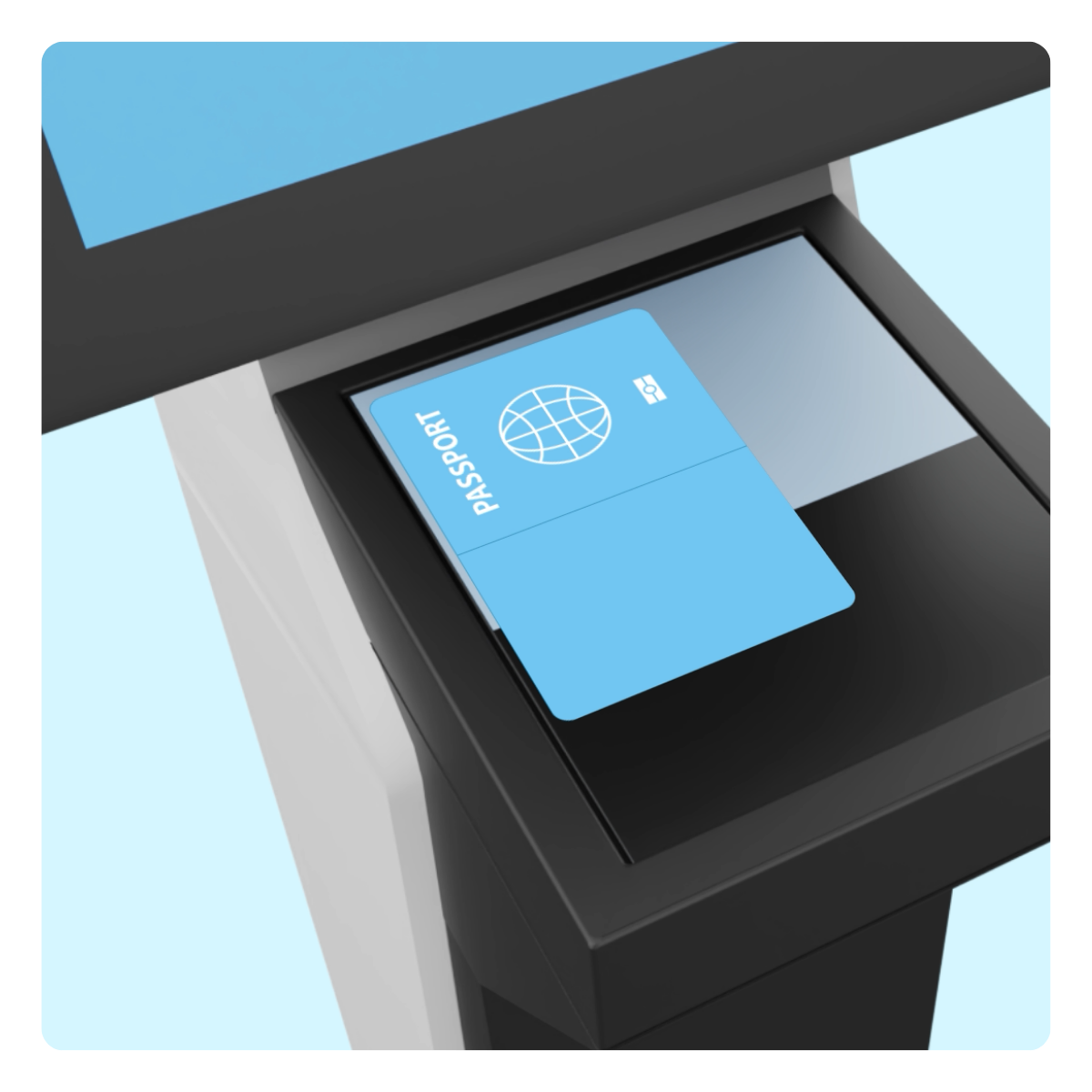
Using the built-in document scanner in the registration kiosk, the patient can easily scan their identity document (ID card or passport). Relevant details, such as the citizen service number (BSN), are read and verified securely.
The system also checks VIPLive spoedEPD to confirm whether the patient has an appointment and under which urgency category the patient falls. If the case does not fall within an emergency category, the system asks an additional question to determine whether the symptoms have worsened. If this is the case, the patient is directed to the reception desk immediately.
If the symptoms remain unchanged, the patient is checked in automatically and a clear message appears on the screen confirming that they may take a seat in the waiting area.
The GP out-of-hours service remains fully in control. Within the system, you can easily configure how patients who arrive late are handled, how walk-in patients without an appointment are managed, whether scanning an identity document is mandatory, and whether any additional services should be added.

Check-in process
Example set-up of the check-in system with Topicus VIPLive integration:
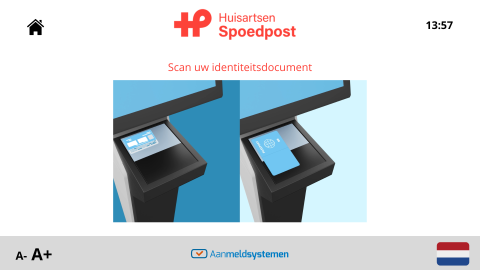
Scanning identity document
Scanning the identity document is explained through clear on-screen animations.
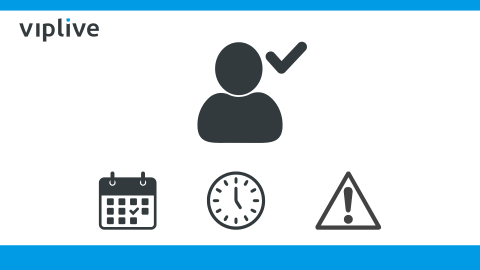
Check in spoedEPD
At the background, the patient is identified and the system checks whether the patient has an appointment, has arrived on time, and which urgency code applies.
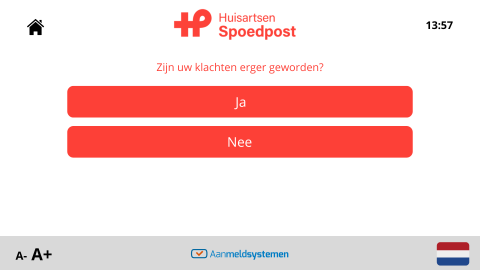
Extra triage check
If everything is in order, the patient is asked whether the symptoms have worsened.
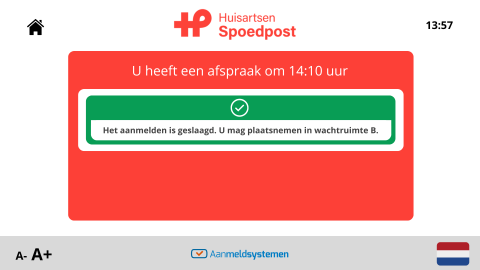
Check-in confirmation
If the symptoms have remained the same, the patient sees confirmation that they have been checked in and which waiting area they should go to.
Benefits of the integration
Work more efficientBecause the patient’s details are verified, you comply with the legal requirement to check patient identity. Identity documents are read only; no copies or images are stored, in line with privacy legislation.
The patient is automatically marked as ‘present’ in VIPLive spoedEPD, so there is no need to switch between different systems. In addition, an extra urgency check is carried out. This means the registration kiosk does not simply support check-in; it forms part of the wider identification and triage process.
More information
Would you like to know more about a registration kiosk with VIPLive by Topicus?Call us on 024 – 350 54 00 or contact us via the contact form.